> ## Documentation Index
> Fetch the complete documentation index at: https://docs.metrifox.com/llms.txt
> Use this file to discover all available pages before exploring further.
# One-Time Charges
## Overview
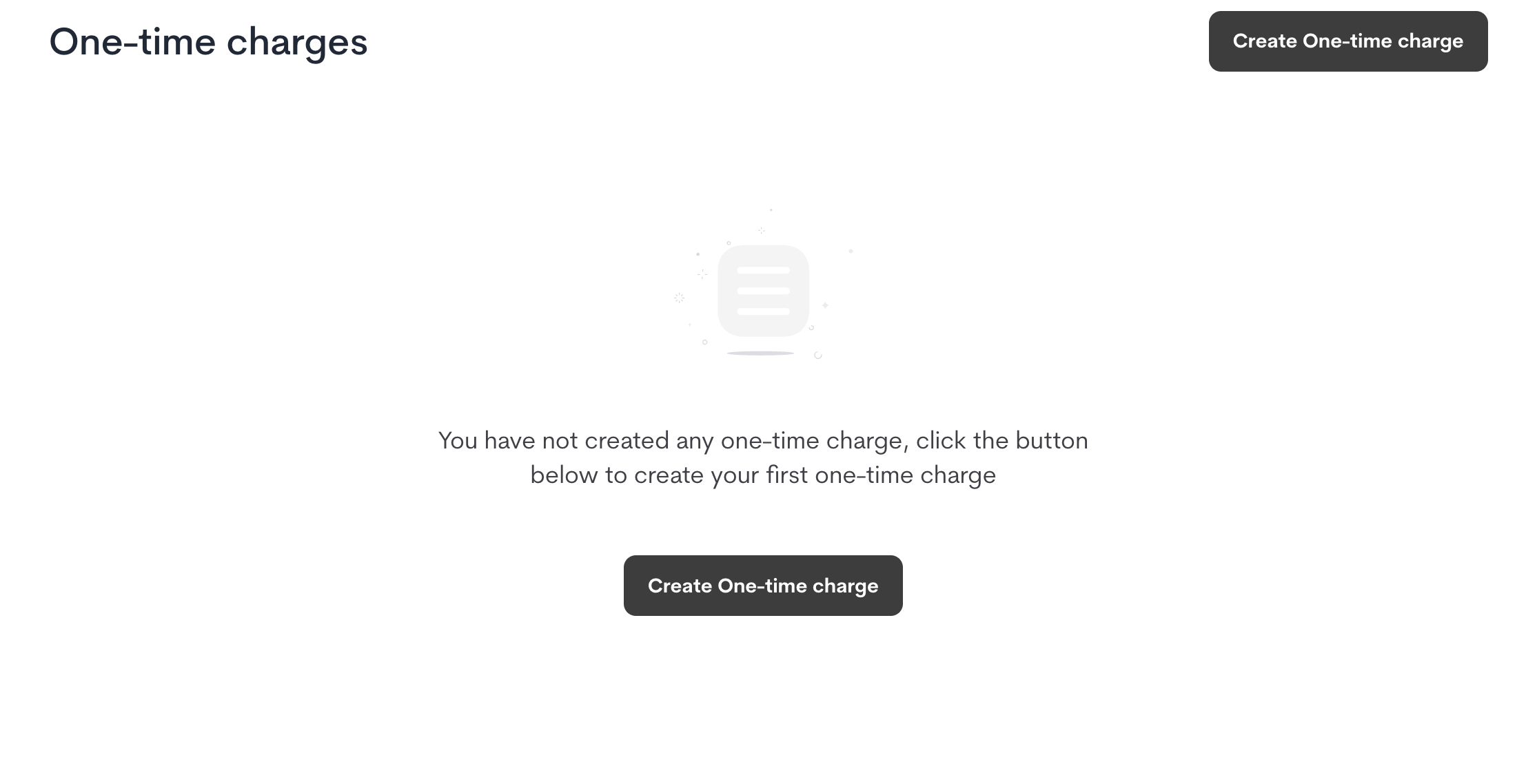
One-time charges allow you to charge customers for singular or recurring actions or events that fall outside the scope of a standard recurring subscription. These are ideal for setup fees, implementation costs, shipping, reactivation fees, or any other non-recurring charge.
## **Create a One-Time Charge**
1. Navigate to **Product Catalog > One-Time Fees**.
2. Click **Create One-Time Fee**.
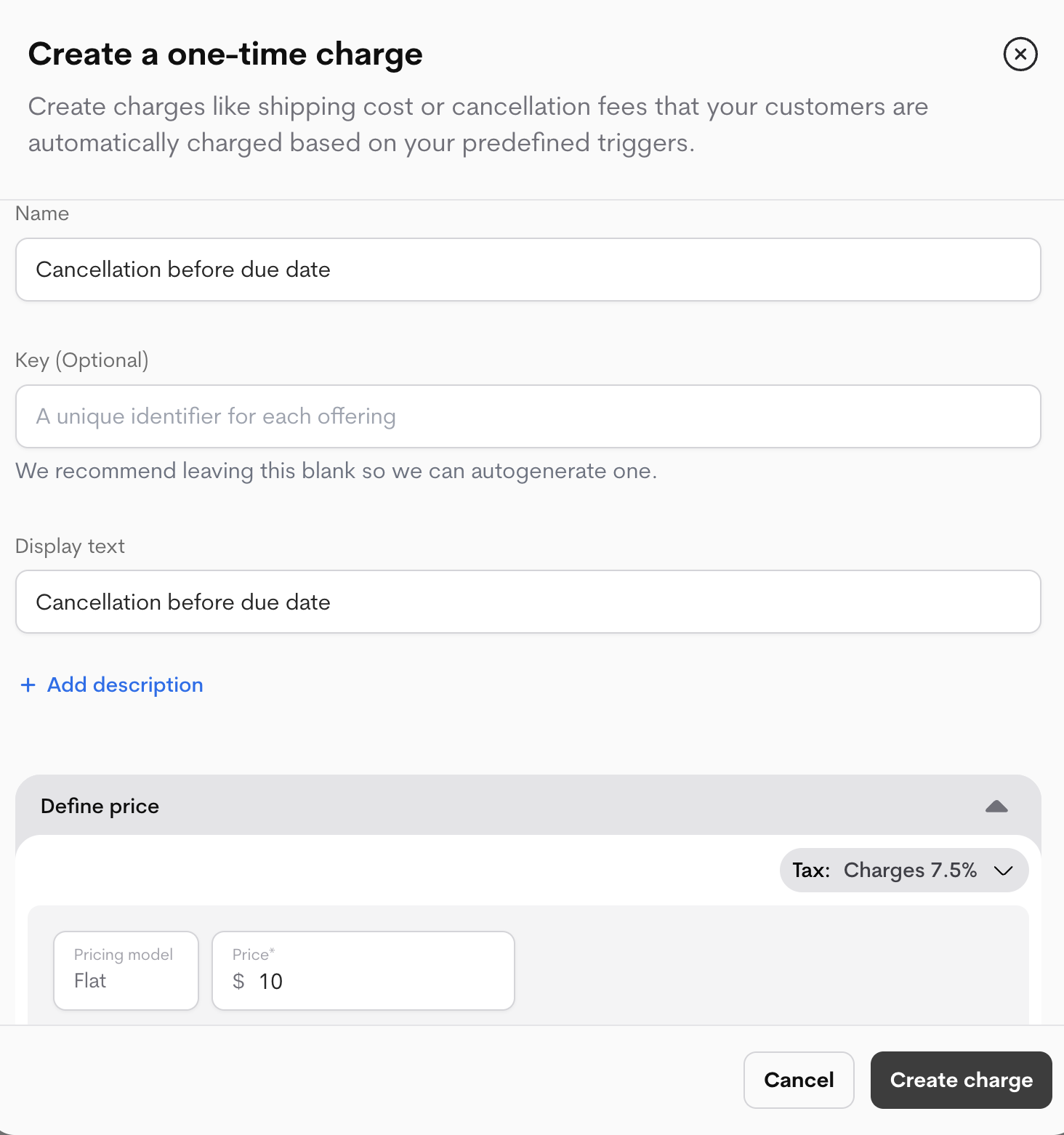
3. Configure the fee:
* **Name:** An internal name for your reference (e.g., "Implementation Fee").
* **Display Text:** The name that will appear on the customer's invoice.
* **Description (Optional):** A internal description for context.
* **External Key (Optional):** Your own unique identifier. We recommend leaving this blank to have Metrifox auto-generate a unique key.
4. Click **Create**.
 ## **Set a Price**
*One*-time fees support a simple, one-off flat price.
1. From your newly created fee's page, navigate to the **Prices** section.
2. Click **Add Price**.
3. Enter the **flat fee** amount.
4. Click **Complete Setup**.
## **Set a Price**
*One*-time fees support a simple, one-off flat price.
1. From your newly created fee's page, navigate to the **Prices** section.
2. Click **Add Price**.
3. Enter the **flat fee** amount.
4. Click **Complete Setup**.
 **Your one-time charge is now active and ready to be attached to offerings.**
##
**Your one-time charge is now active and ready to be attached to offerings.**
##