Overview

Taxes let you configure and apply tax rules to priced components across your plans (base prices, priced entitlements, add-ons, one-time fees). Metrifox supports common tax types (e.g., VAT, sales tax) with options for inclusive/exclusive pricing and regional targeting. Taxes are created globally and selected via dropdown when configuring pricing. This ensures compliant, automated tax calculation on invoices without custom code.

Creating a Tax

Taxes are managed globally and reusable across all products/plans.
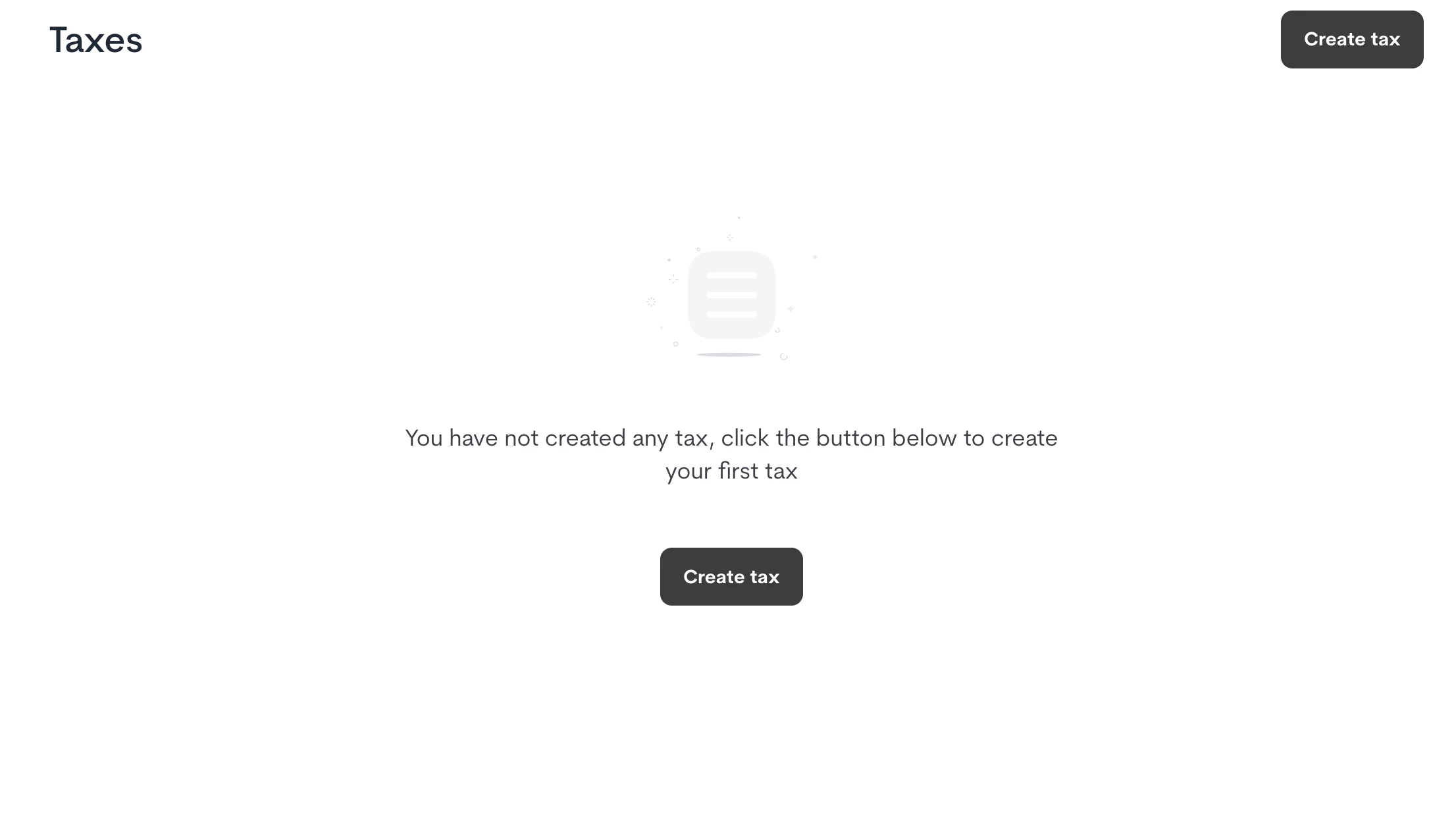
  1. Navigate to Catalog → Taxes.
  2. Click Create tax
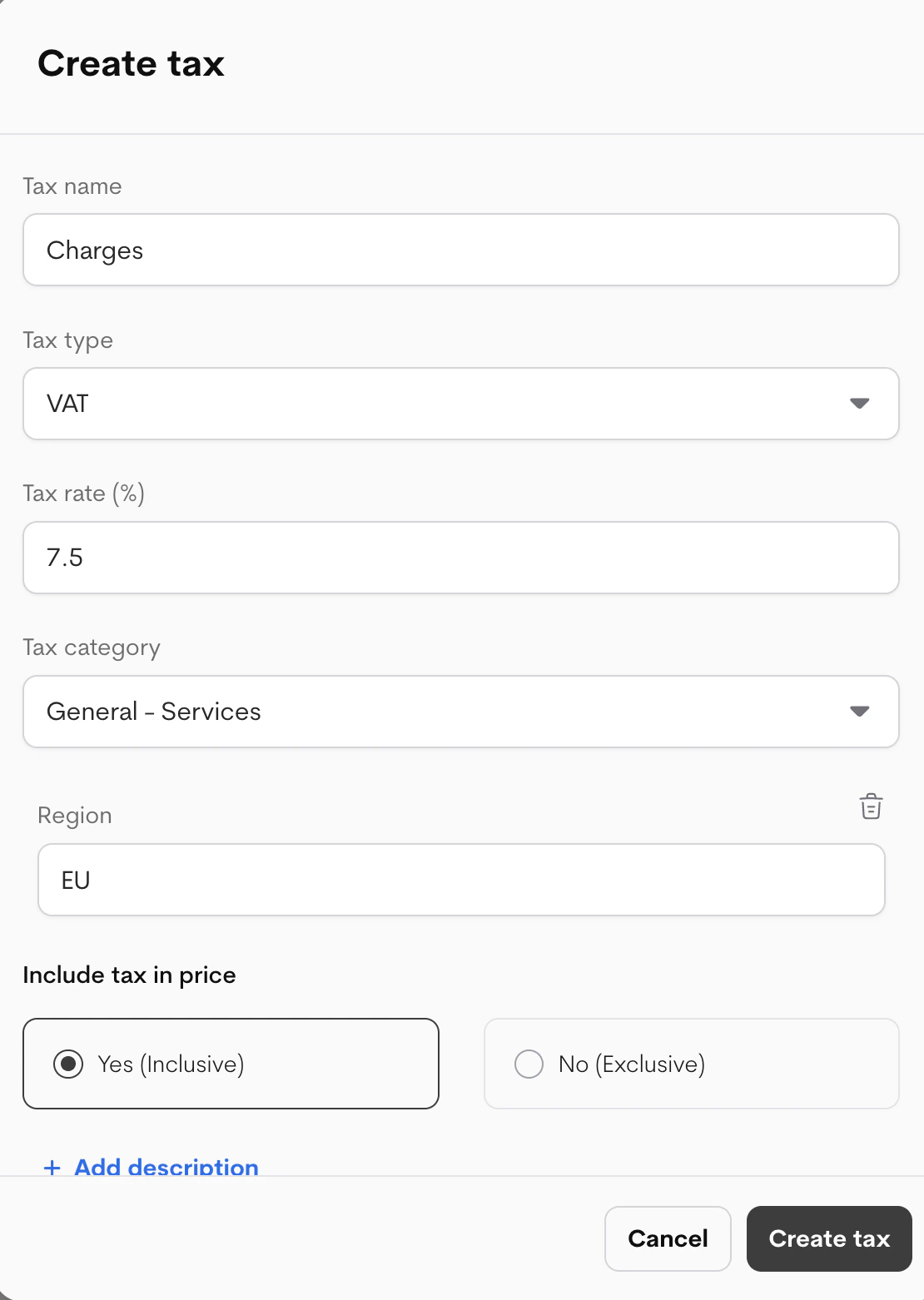
  3. In the modal, fill details: Tax Create
FieldDescriptionRecommendations
Tax nameUnique name for the tax (e.g., “EU VAT”)Clear and descriptive for internal use
Tax typeType of tax (e.g., VAT, Sales Tax)Match your jurisdiction’s standard
Tax rate (%)Percentage rate (e.g., 20)Enter as number only (no % symbol)
Tax categoryCategory (e.g., General - Services, Digital Goods)Helps with compliance/reporting
RegionCountry/region the tax applies toLeave blank for global, or specify (e.g., EU, US-CA)
Include tax in priceYes (Inclusive): Price shown includes tax No (Exclusive): Tax added on topInclusive common in EU; Exclusive in US
Add description (Optional)Internal notes or customer-facing infoExplain applicability (e.g., “20% VAT for EU customers”)
Tax Details
  1. Click Create tax.

Managing Taxes

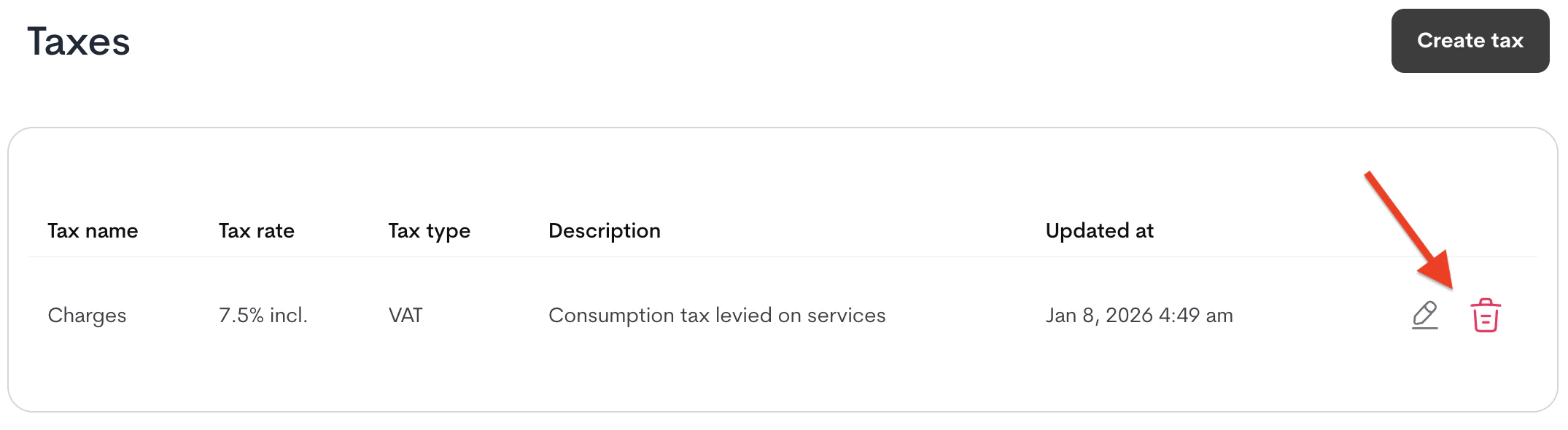
From the Catalog → Taxes list:
  • Edit: Click the pencil icon next to a tax → update fields → save.
  • Delete: Click the bin icon → confirm deletion (only possible if tax not in use on live plans).
Manage Tax

Applying Taxes

Taxes are selected per priced component:
  1. When configuring pricing (e.g., + Add base price, + Add feature → Priced, + Add credit → Priced, etc.).
  2. Look for the Tax dropdown in the modal.
  3. Select your created tax (or “None”). The modals allows “Create tax” for a quick addition.
Taxes apply automatically to qualifying invoices based on customer region (if configured). Important Notes
  • Taxes only apply to priced components (not included/free entitlements).
  • Changes to taxes propagate to live plans immediately (no new version needed).
  • See Plans/Features/Credits docs for where the Tax dropdown appears.