

The quote workflow
1
Create the draft
Give the quote a title and select the customer.
2
Build the proposal
Add your written content, files, customer details, and pricing.
3
Add recipients
Choose the people who can open the quote and give each person the right access level.
4
Publish and negotiate
Set the validity period and sharing options, then publish the quote. Recipients can review the published version, comment, or request changes based on their role.
5
Accept and finalize
An Admin recipient accepts the quote. Metrifox then processes the order automatically or waits for your team to finalize it, based on the quote setting.
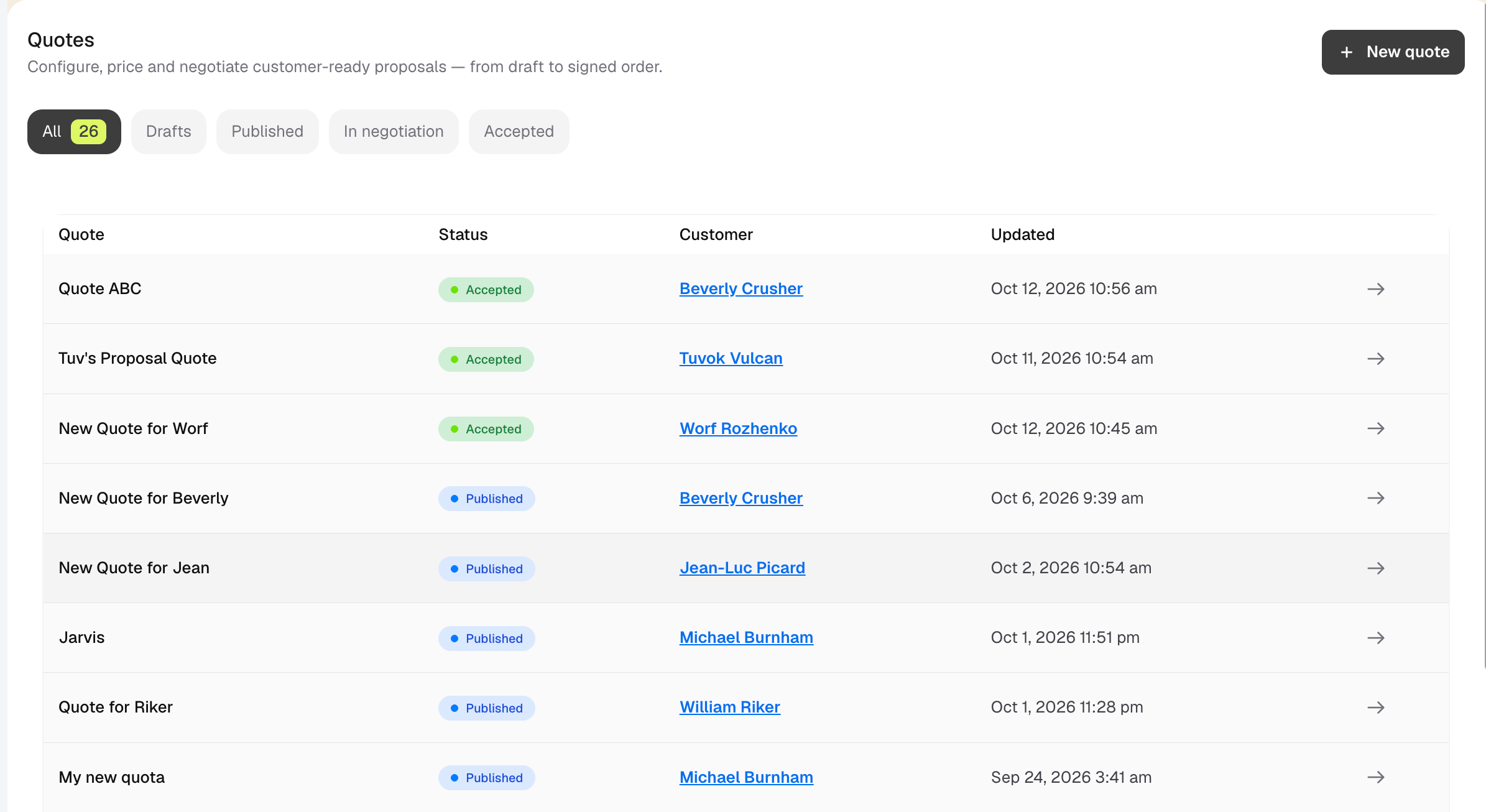
Quote statuses
Quotes and quote versions
A quote can have several versions. This lets you negotiate without changing the version that a customer already received.- A new quote starts as v1.
- Editing a published quote creates a new draft version.
- The published version stays visible to the customer while you work on the draft.
- Publishing the new draft replaces the previously published version.
- You can use the version selector beside the quote status to open an older version.
Comments, pricing, attachments, and the accepted agreement belong to a specific quote version. Check the version number before you make a change or reply to a comment.
Continue through the guide
Create and manage a quote
Follow the full workflow from creating a draft to accepting and finalizing the quote.